A CreateSomething.fun image-making instrument
The
Abstractifier.
Your image is only
the beginning.
Find the shapes hiding in a photograph. Recolor a painting. Turn a half-seen face into a doodle, a looping animation, or a page you can color by hand.
Try three image uploads free, no account needed.
Join free to unlock every style, animation, skyboxes, and doodles.
01 / A different view
An ordinary morning.
An unfamiliar landscape.
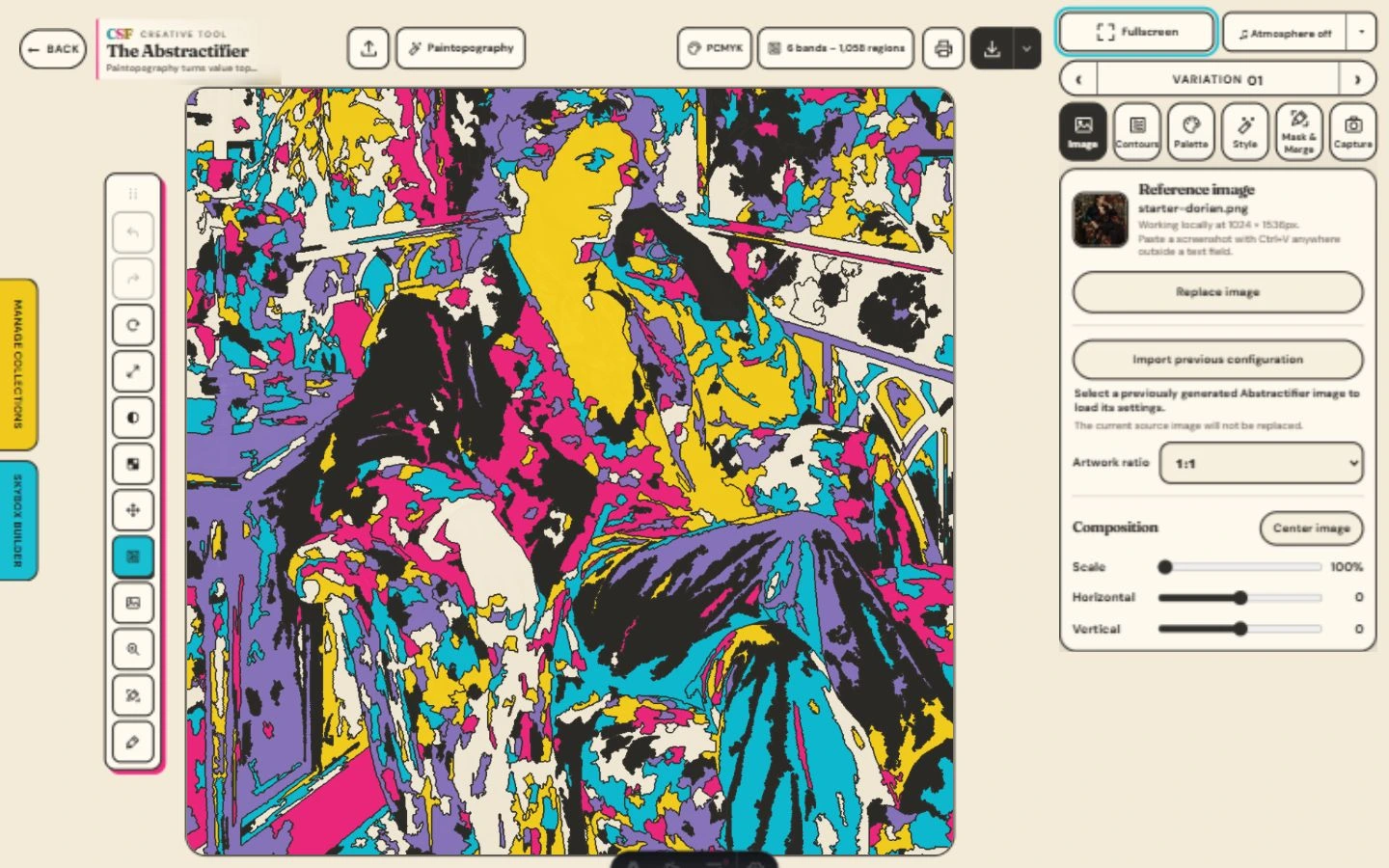
The light was already doing something interesting. Abstractifier gives you another way to follow it: shapes, color, contours, and a palette that changes the mood of the whole scene.
ENTER THE STUDIO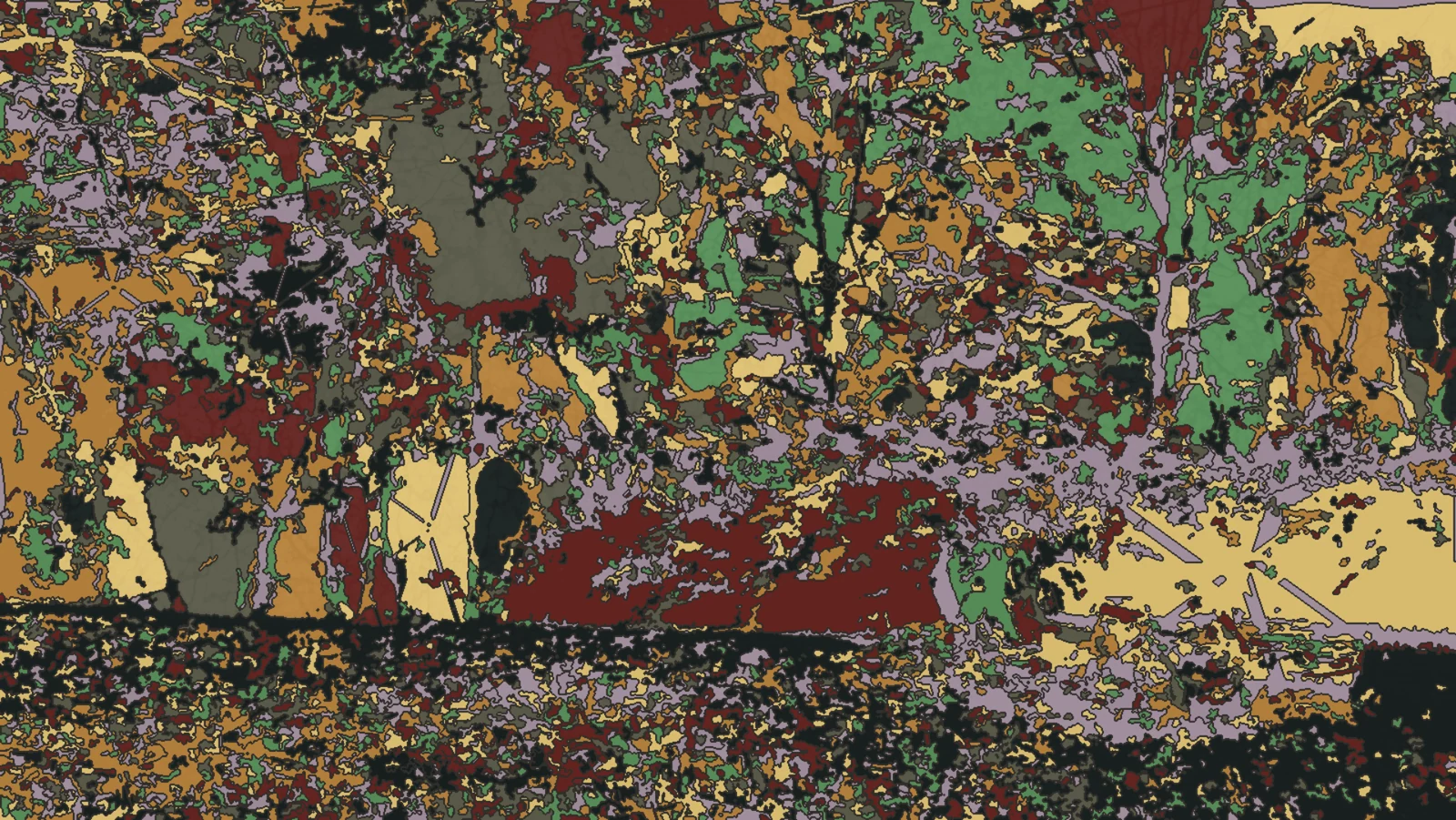
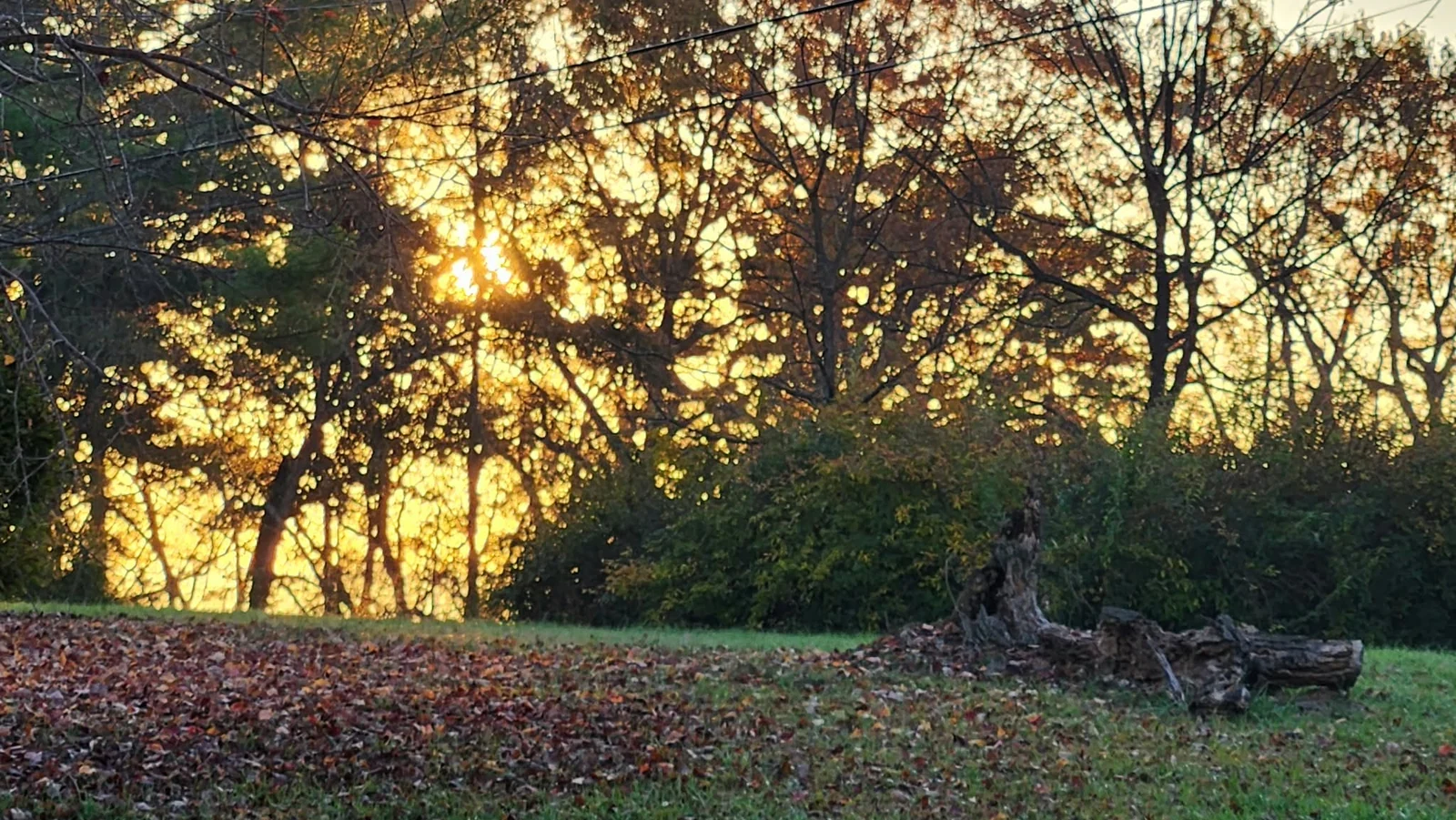 The photographThe possibility
Contour Weather / Morning Decker Farm palette
02 / Your pictures, new directions
An old image.
A new point of departure.
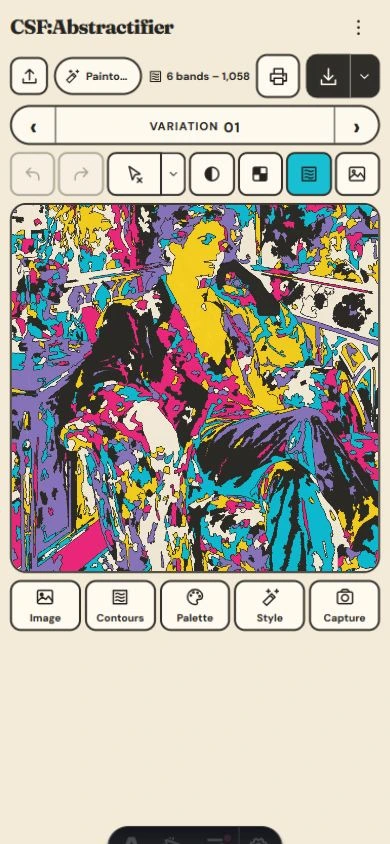
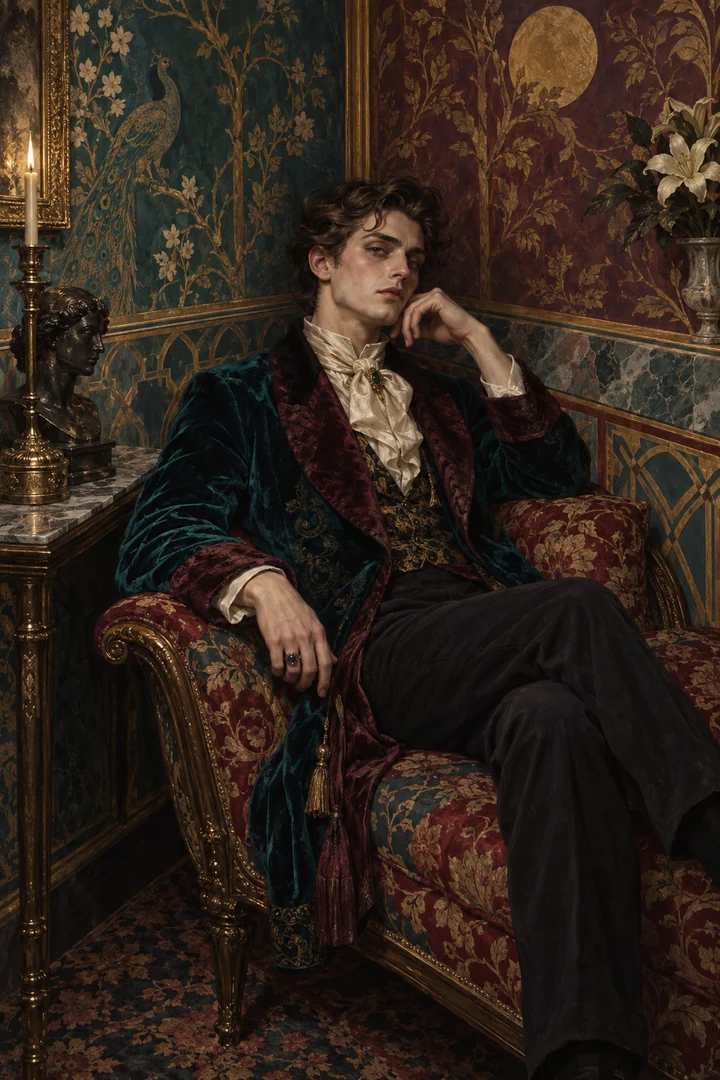
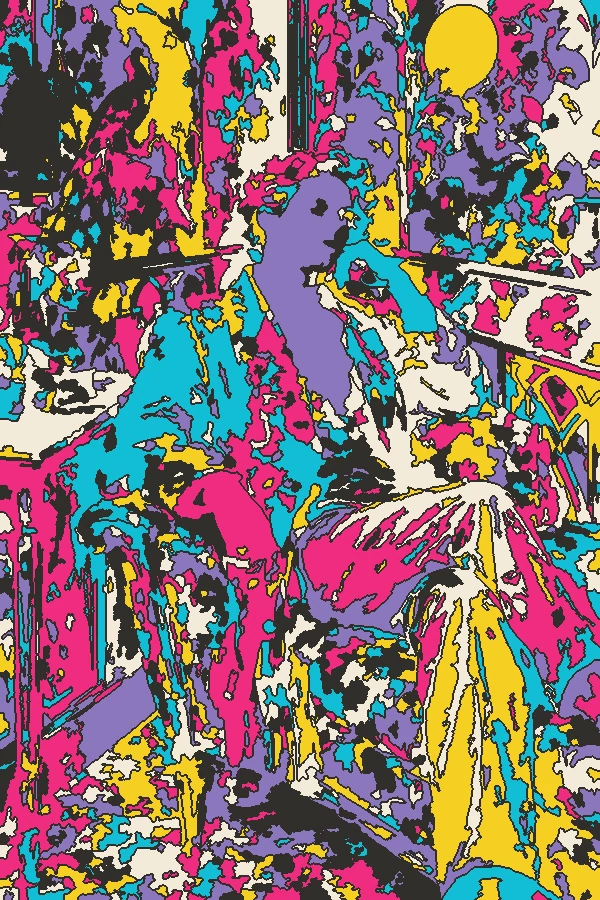
Start with Dorian, the illustration waiting in the studio. Then bring a photo, a scan from your sketchbook, or a painting you’re ready to see differently.
Keep the portrait tall. Let a landscape breathe. Follow the original colors, send them somewhere else, or try a style that takes the whole composition apart.
ENTER THE STUDIOFrom iffy’s paint table.
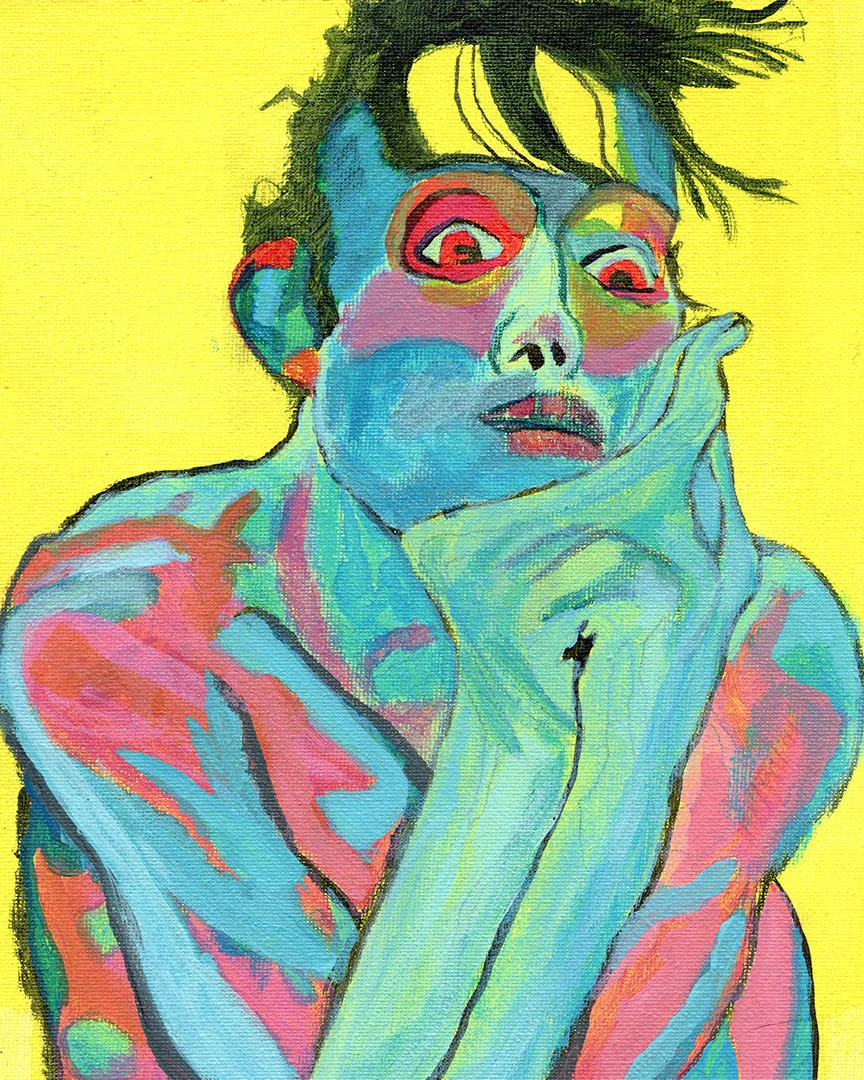
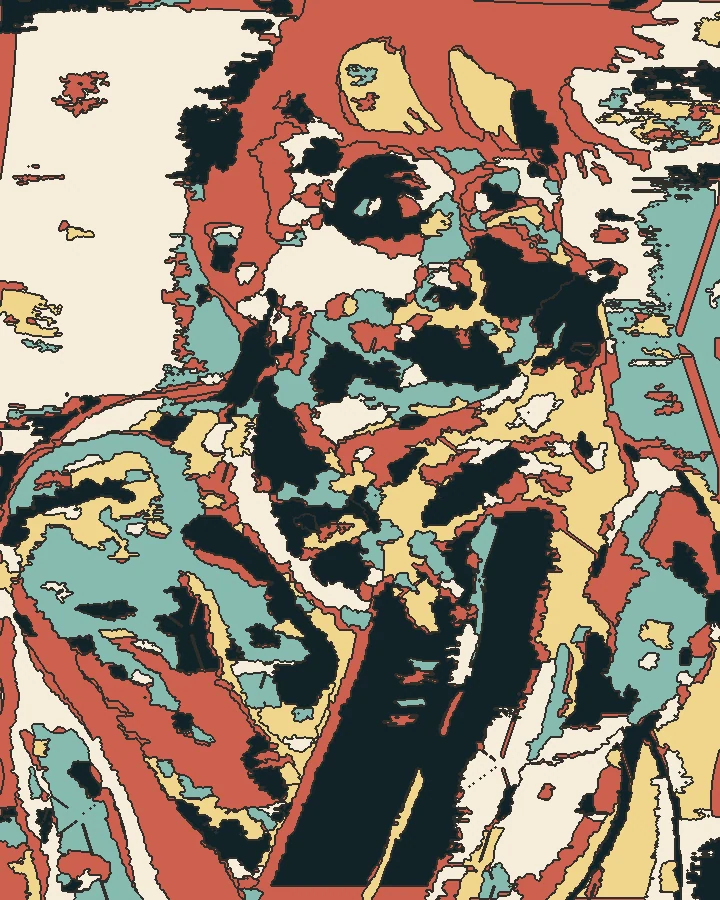
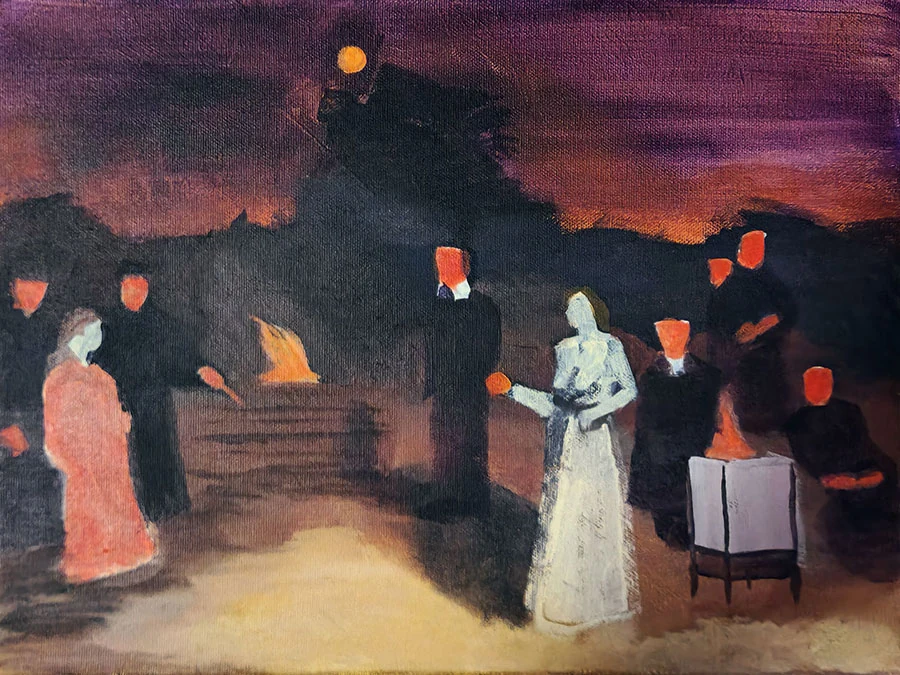
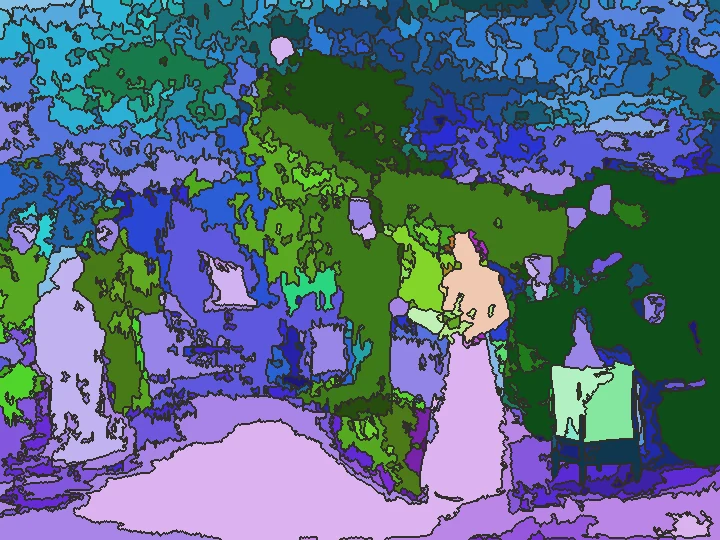
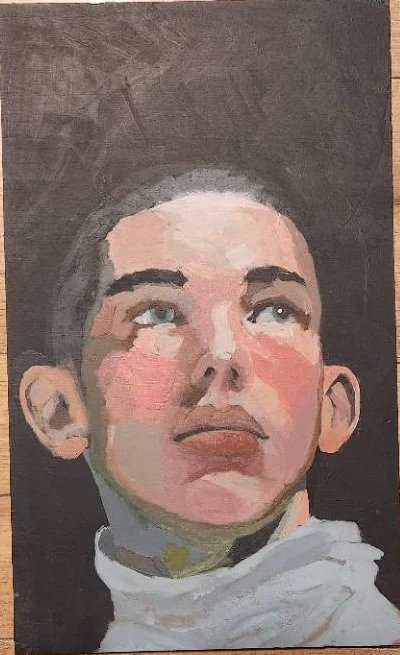
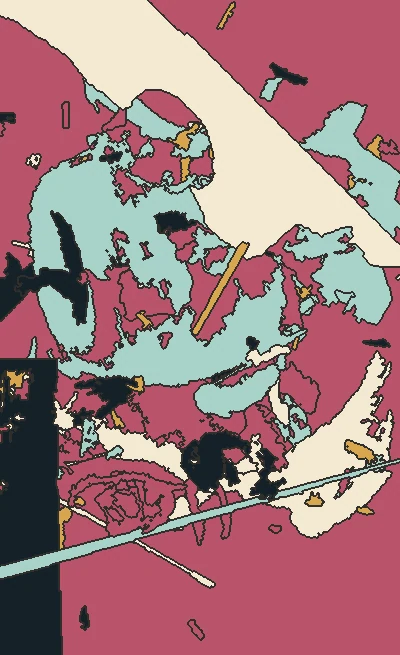
Traditional work gets a second outing. Original on the left, an Abstractifier variation on the right. Each keeps its own proportions.
03 / Let the color wander
The picture sits still.
The possibilities don’t.
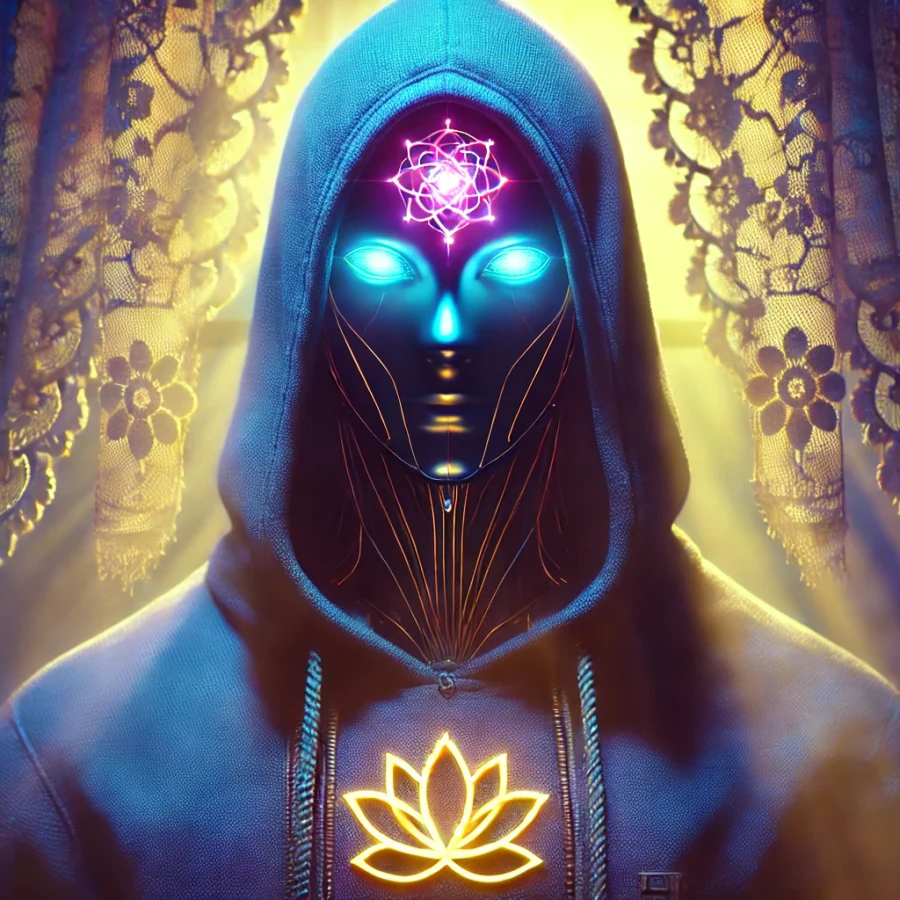
A blue-hooded figure, a lotus on their chest, and a whole procession of other selves. This started as a DALL·E image. Here it is moving through Abstractifier’s color variations.
Find a variation you like, play the sequence, and save the loop as a GIF or a video. Adjust the clip speed and contour treatment until it feels like yours.
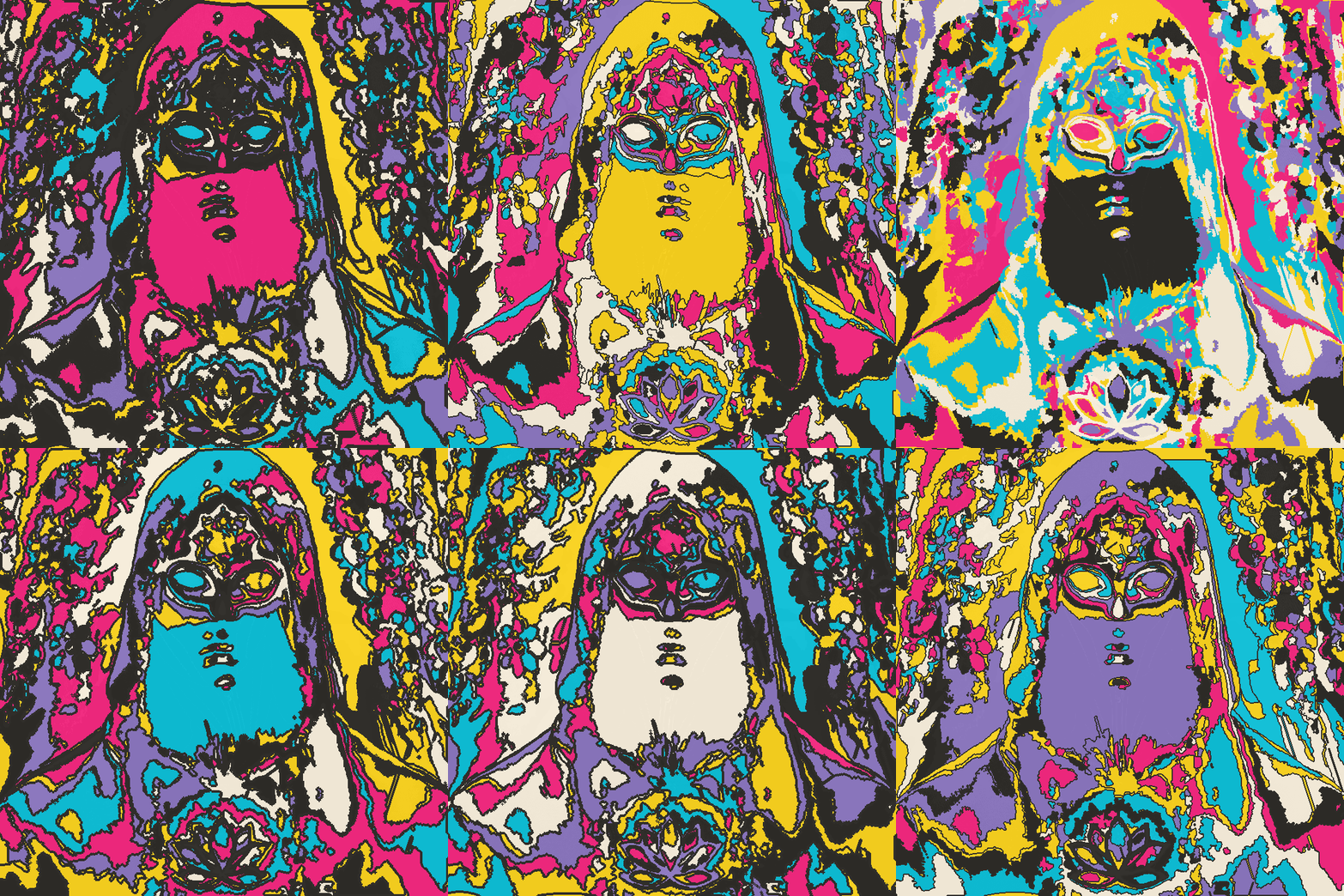
An actual Contour Weather loop exported from the studio.
Pause the preview whenever you like.
A different feeling with every variation.
04 / Your turn to make a mark
See a face?
Give it a line.
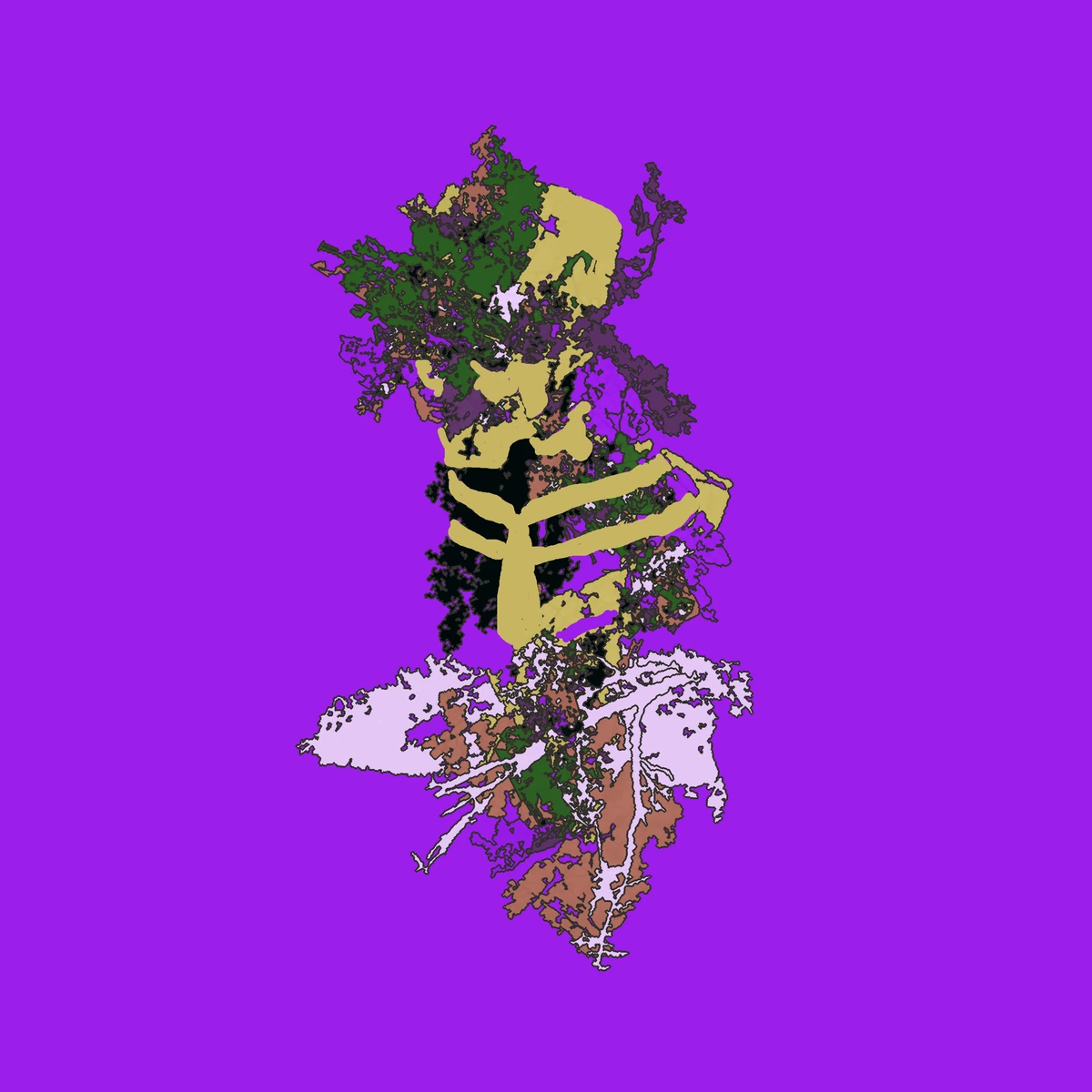
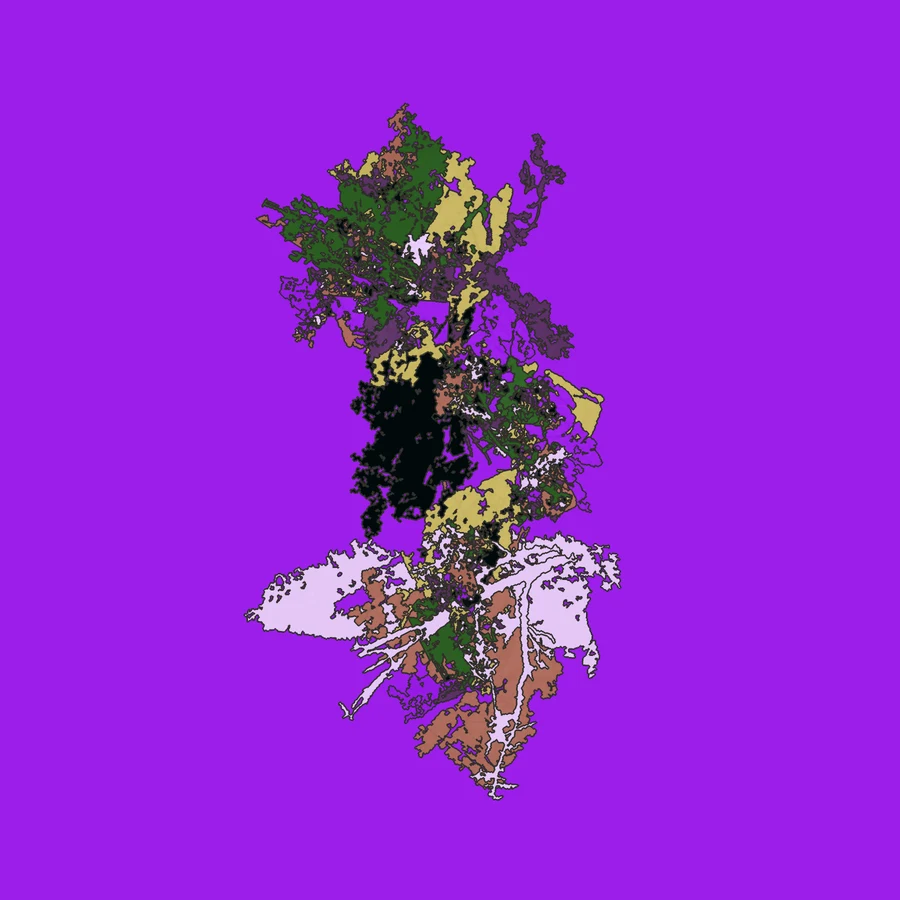
There’s a moment when a patch of color starts looking back at you. Follow that. On desktop, draw over the artwork to trace a detail, invent a character, or bring a half-seen shape into focus.
This is a real work in progress. It doesn’t have to be finished to be interesting—and the tool doesn’t get to decide what it becomes.
ENTER THE STUDIO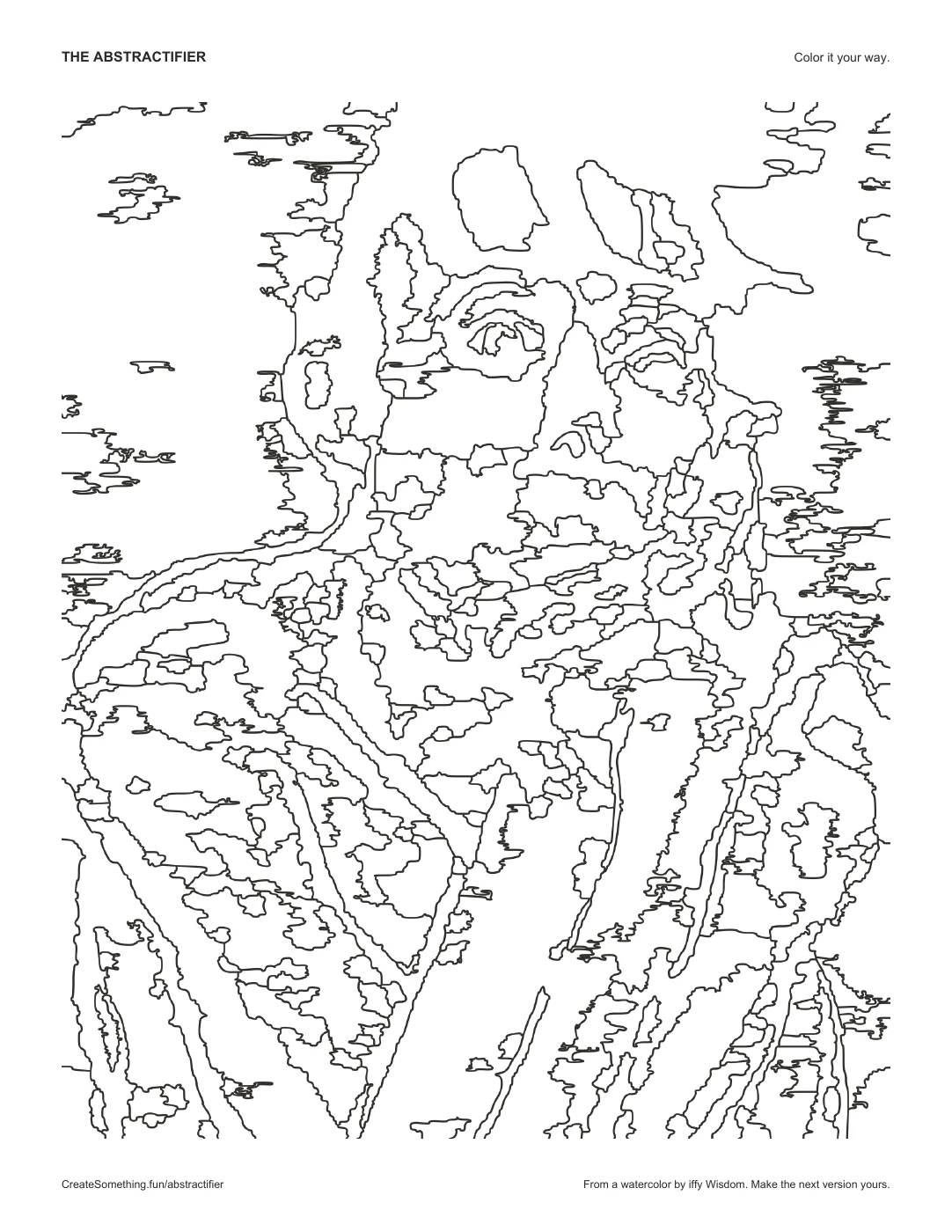
05 / Take it off the screen
Leave the lines.
Bring your own color.
A picture can be a starting point for something you make by hand, too. Turn the color fills off and print the contours from your canvas. Then reach for pencils, markers, paint, or whatever’s on the table.
- Choose your picture and frame the part you want.
- Turn off Color fills. Adjust the bands and lines to taste.
- Press Print. The canvas becomes your coloring page.
Shown here: a real PDF made from the studio’s contour renderer, on a US Letter page.
A photograph. A painting. A beginning.
What will you find
in yours?
You don’t need a finished idea. Bring an image and give yourself a little room to play.
ENTER THE STUDIO